I found this on alphaWorks a few days ago and downloaded it, and only got around to installing it today. From the alphaWorks website:
What is Application Designer for Medium Business? Application Designer for Medium Business bundles together two technologies: a pre-release of Lotus® Component Designer 6.0 and WebSphere® Application Server, Community Edition (WAS CE) 1.1. Lotus Component Designer is an Eclipse-based Integrated Development Environment (IDE) that helps non-Java developers to create database-driven Web applications for an IBM WebSphere Portal 6 environment. The use of Application Designer for Medium Business enables Lotus Component Designer to be deployed to WAS CE. In addition, Lotus Component Designer provides four sample applications to help users get started quickly and understand what a typical application looks like.That sounds like it's right up my alley, considering I have no clue how to do anything with Java. However, what is delivered doesn't quite live up to the promise. Installation is extremely simple, just double-click and follow the prompts. When you're done a webpage is loaded that outlines the next steps and helpfully suggests creating a simple application and deploying it. I'd love to, but I can't figure out how.
After loading the WAS CE server, which took a while, I double-clicked the Lotus Component Designer icon. After that finally loaded the initial window is pretty, but I'm not sure what to do with it:
I moused over the various graphics and clicked the Tutorials button, which is the one with the green check mark.
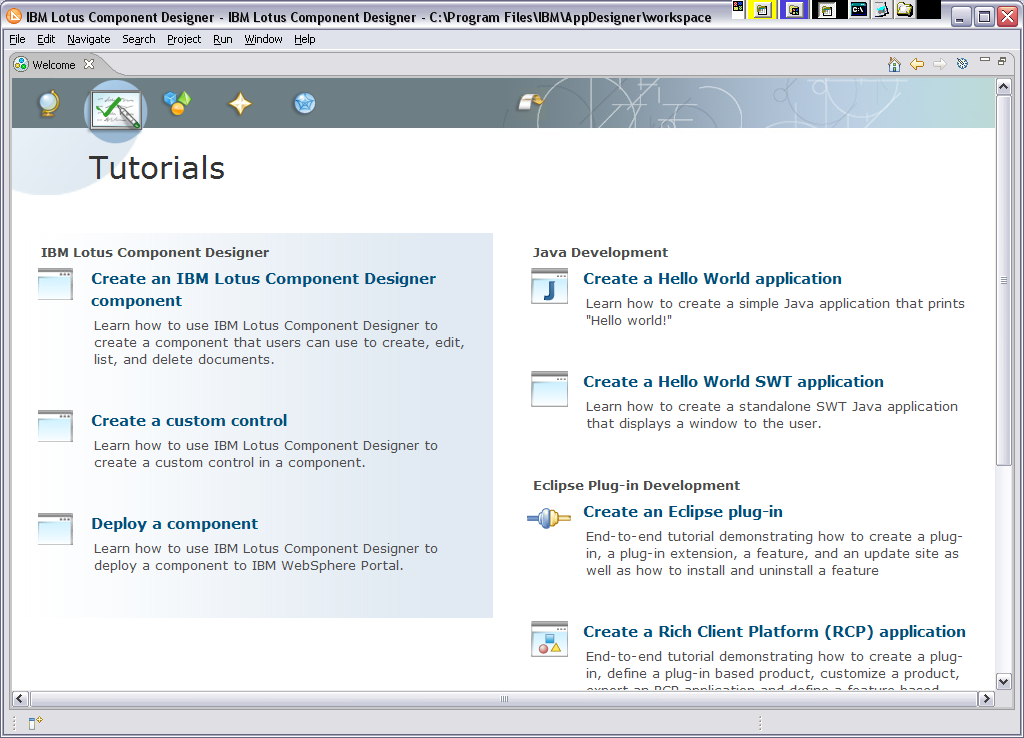
I clicked the first one: Create an IBM Lotus Component Designer component. The tutorial opened in a separate window with a rather strange layout:
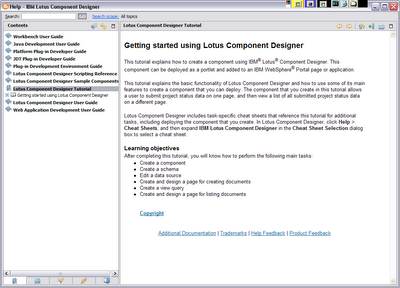
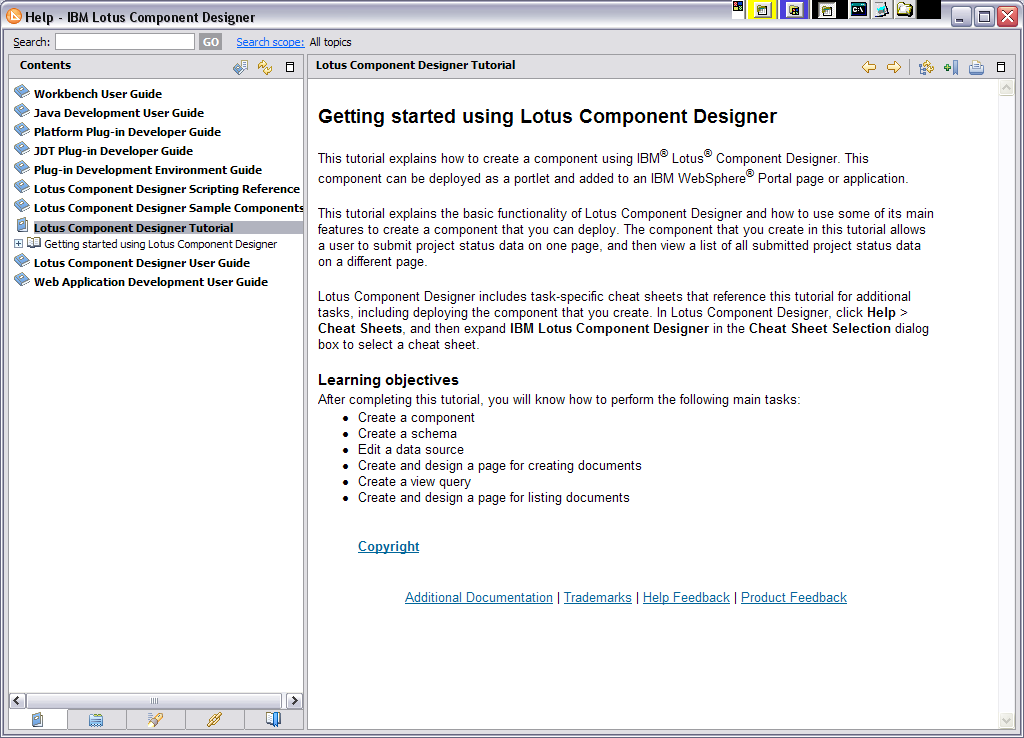
There are no navigation hints at this point, you have to expand the section under the "Getting started" bit to get to the real meat of the tutorial.
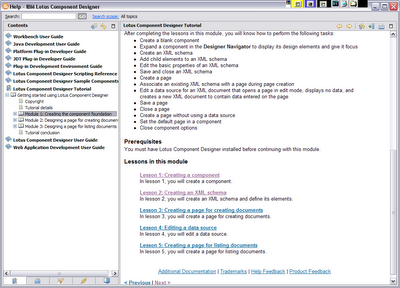
You'll notice there are now Previous and Next links on the pages. Okay, now that that bit of insanity is behind us, let's get down to it. Lesson 1 says:
To create a component, perform these tasks:
- Open Lotus Component Designer.
- Click .
- In the IBM Lotus Component Designer - New Component dialog box, type Designer Tutorial in the Name field.
- In the Description field, type This component is for the Lotus Component Designer tutorial.
- Keep Start with blank component selected.
- Click OK.
The Designer Tutorial component is listed in the Designer Navigator.
I follow the instructions, my hard drive runs like crazy for about 3 minutes, and then I'm back at the Tutorial list. I can't find the Designer Navigator anywhere. It's not listed in any of the menus and no new tab was loaded, so I have no clue where the component went. After several minutes digging around I got frustrated and gave up trying to find the Designer Navigator.
Instead I decided I'd load one of the sample applications, which the website promised would "help users get started quickly and understand what a typical application looks like." I clicked the Samples button on the Welcome page (it's the collection of shapes) and a list of several samples is provided. No matter which one I select all I get is a help page telling me about the sample. I can't figure out how to actually
load the sample and the help doesn't tell you. Going to the menu and selecting File > Open doesn't do anything, so I'm at a complete and utter loss.
And with that, my review is done. I can't actually do anything with Lotus Component Designer and the information in the tutorials is inaccurate or lacking in enough detail to be useful to complete beginners. I think if I knew how to use Eclipse I wouldn't be so frustrated or feel so helpless, but this is supposedly geared toward people with no experience using the tools. As such I find it an utter failure. I have Eclipse for Dummies at home and I'll read it this weekend, then report back.